
Website widget
for incoming calls
Make it easy for your website visitors to reach you. With our website call widget, customers can instantly request
a callback or connect with your team directly through their browser.
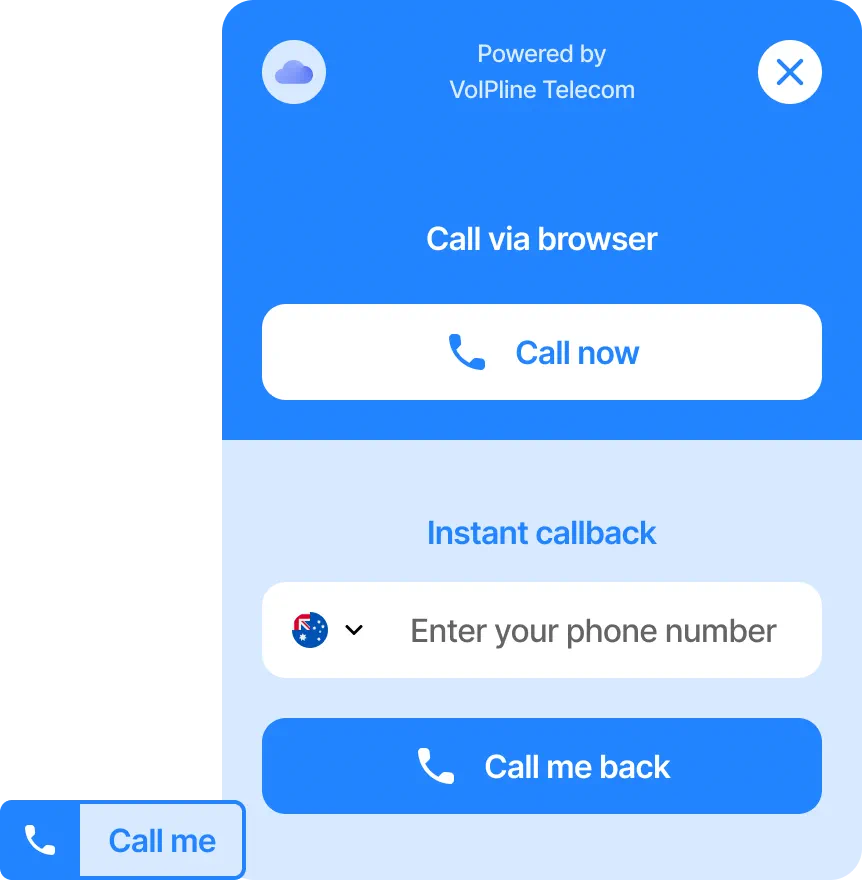
How it works
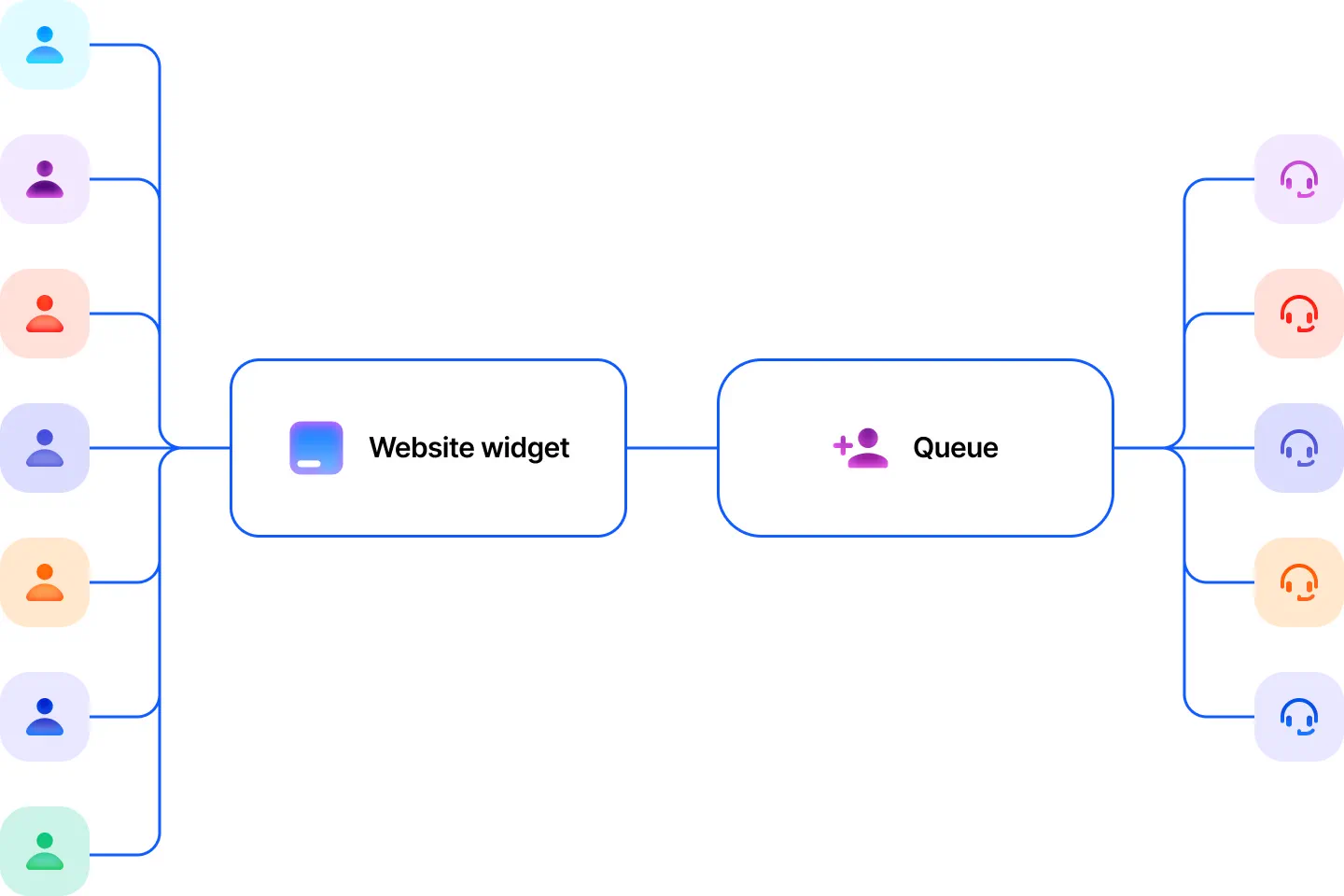
Think of the widget as an additional way to receive incoming calls. When a visitor initiates a call, it’s routed
through your existing call flow—for example, directly to a queue where the first available agent can answer.
Operation modes
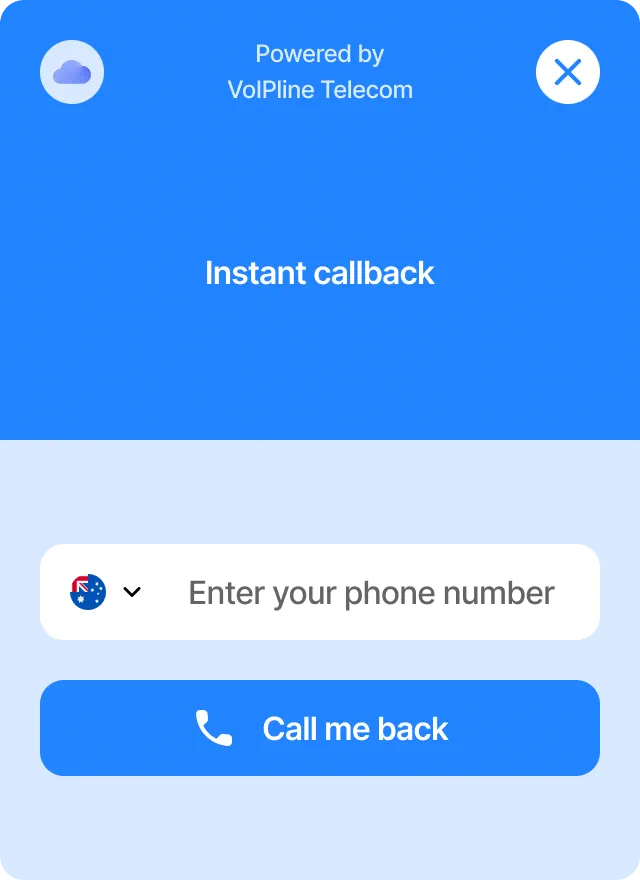
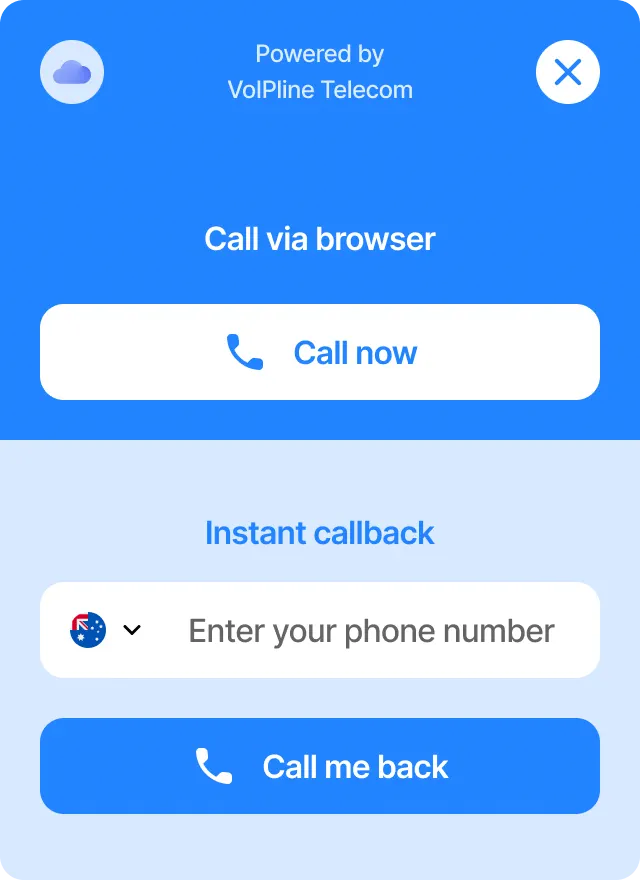
Callback
Visitors simply enter their phone number to request a callback. To prevent spam, you can limit callbacks to specific countries.
Once submitted, the system instantly calls the number and connects it through your assigned call flow.
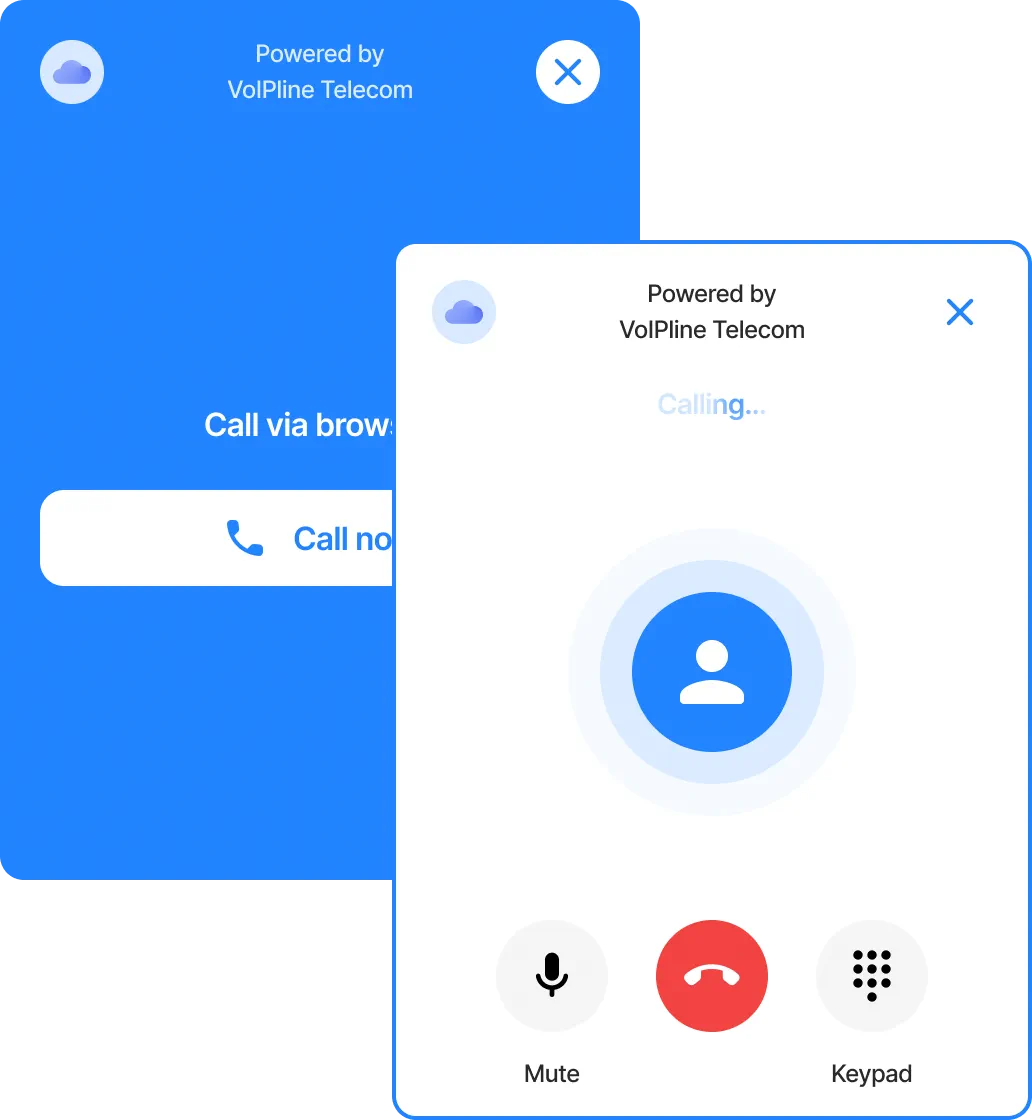
Call via browser
In this mode, visitors can call you directly from their web browser—no phone required. During the conversation, they can mute/unmute
their microphone, use the keypad for DTMF input, and end the call, just like a regular phone interaction.
Combined
Offer both options at once—visitors can choose whether to receive a callback or call directly through the browser.
Customise it your way
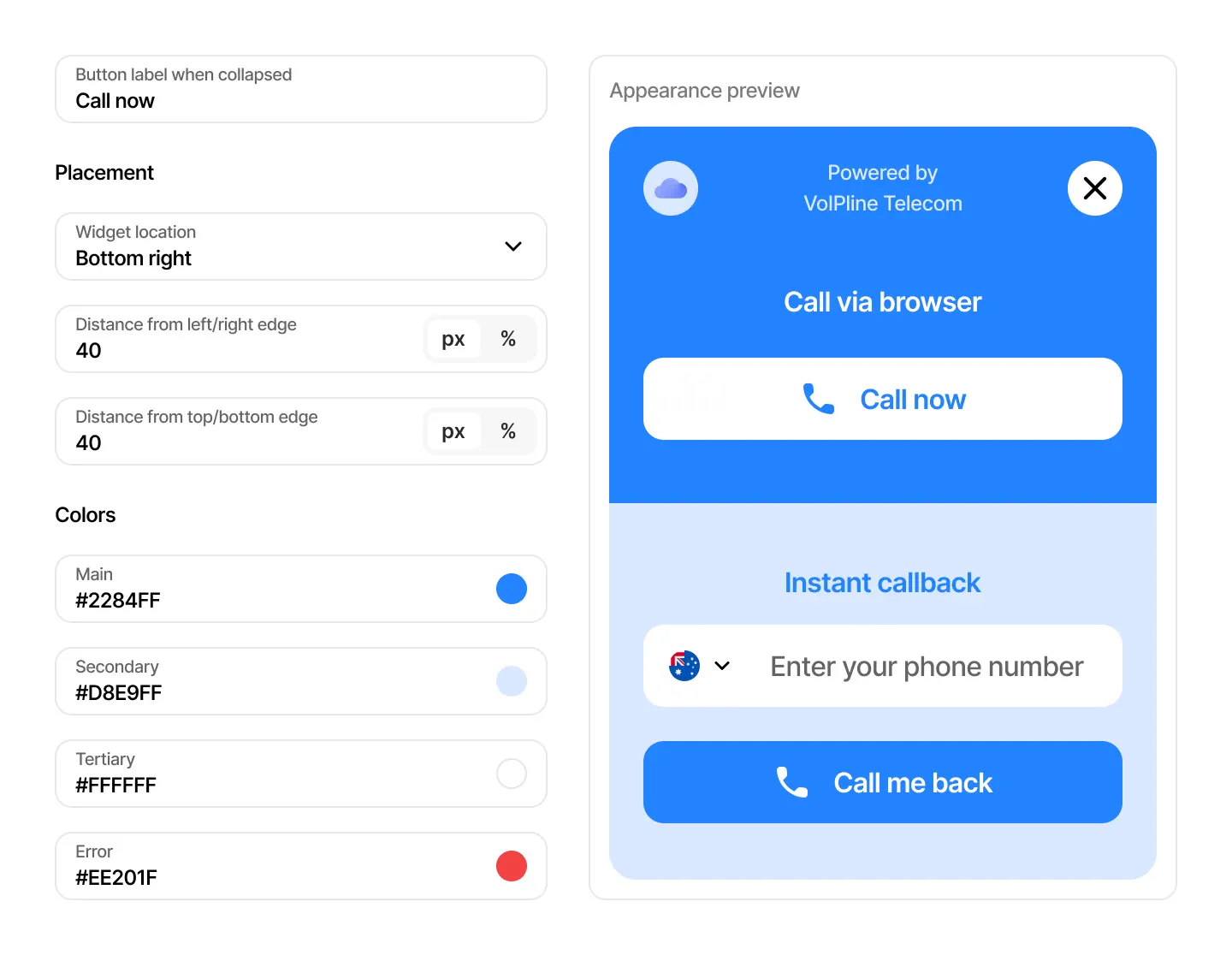
The widget’s look and feel are fully
customisable. Adjust colours,
placement, and branding using the simple configurator.
You decide where and how it appears on your website.
Set display rules by time and device
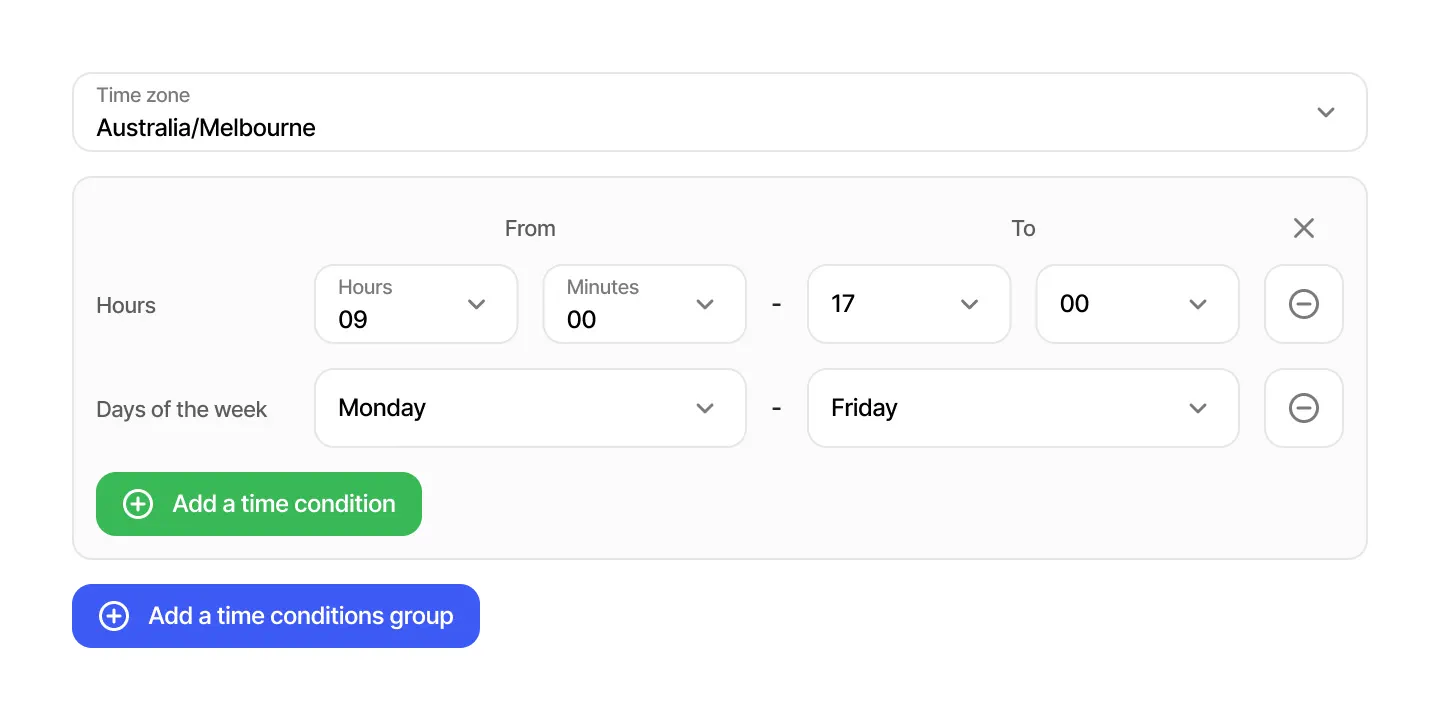
Show the widget only when your team is available—for example, Monday to Friday, 9 AM to 5 PM, in your preferred time zone.
You can also choose to hide it on mobile devices and display it only to desktop visitors.
Easy to install
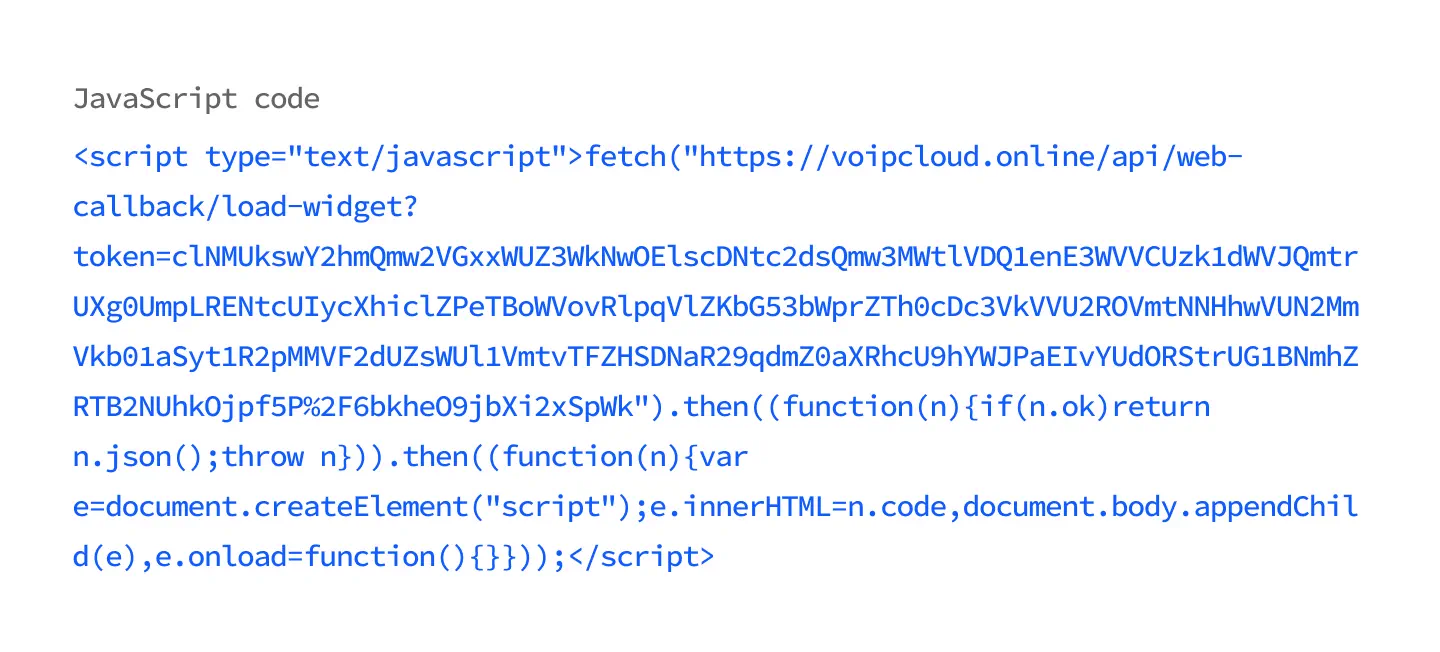
Installation takes just a few seconds—simply add a short JavaScript snippet to the pages where you want the widget to appear.
Any future changes you make to the widget settings are applied automatically, no reinstall required.
Frequently asked questions
What is the website calling widget used for?
It allows website visitors to easily contact your business by requesting a callback or calling directly via their browser.
Do I need special software to use the website calling widget?
No, it integrates seamlessly with your existing call flow—just add the JavaScript snippet to your website.
Can I customise the website calling widget’s design?
Yes, you can adjust colours, position, and appearance in real time using the built-in configurator.
Can I control when the website calling widget appears?
Absolutely—you can set display schedules, choose time zones, and even limit visibility to desktop devices only.
Is the website calling widget spam-protected?
Yes, callback requests can be restricted to selected countries to prevent spam and misuse.
How are calls handled once they come through the website calling widget?
Calls from the widget follow your configured call flow—for example, they can route to a queue or ring group.
Do I need to reinstall the website calling widget after making changes?
No, updates are applied automatically—there’s no need to modify your website code again.